
A journal is useful when it makes accurate capture easier and review more consistent. If the tool creates corrections, duplicate records or dashboards you cannot trace back to source trades, more automation can produce less trust.
TRADING JOURNAL SOFTWARE · BUYER'S GUIDE
Trading Journal Software: A Practical Guide to Choosing What Fits
The right journal is not the one with the longest feature list. It is the one that captures your trades accurately, supports the way you review and remains simple enough to use after an ordinary trading day.
- Accuracy before dashboards
- Process and outcome separated
- No invented rankings
SELECTION RULEChoose the review workflow. Ignore the marketing checklist.
CLEAR DEFINITION
What is trading journal software?
Trading journal software records trades and connects them with notes, screenshots, tags, risk data and performance analysis. Unlike a simple broker history, it is designed to support review: what was planned, what was executed and what can be learned from a consistent set of records.
Some products focus on automated synchronization. Others rely on manual entry, CSV or screenshot imports. The best capture method is the one you can verify and maintain for your platform and trading style.
HONEST COMPARISON
Notebook, spreadsheet, trade log or dedicated software?
There is no universal winner. Trade frequency, data sources, review depth and willingness to maintain formulas all change the answer.
| Option | Works well when | Main strength | Typical limitation |
|---|---|---|---|
| Notebook or notes | You take few trades and want a fast reflection habit. | Low friction for thoughts and context. | No reliable filtering, aggregation or performance calculations. |
| Spreadsheet | You want full control and can maintain the fields, formulas and backups. | Flexible structure and local file ownership. | Manual entry, formula maintenance and screenshot organization can become the work. |
| Broker trade log | You need an execution record or account statement. | Direct source for fills, prices and account history. | Usually lacks planned risk, setup context, rules and structured review. |
| Trading journal software | You need repeatable imports, filters, metrics and multi-period reviews. | Connects records, context and analysis in one workflow. | Requires trust in data mapping, provider security and the tool's definitions. |
SELECTION CRITERIA
Nine questions that matter more than a feature count
Evaluate the path from source trade to corrected record to useful review. A beautiful result is not enough if the data chain is unclear.
How do trades enter the journal?
Check manual entry, file import, screenshot import or platform synchronization. Confirm exactly which brokers, platforms and formats are supported.
Can you fix the source record?
You should be able to correct dates, prices, fees, size, direction, tags and notes without breaking later calculations.
Does it understand planned risk?
Look for risk amount, risk percentage and R-multiples, not only P/L. Confirm how partial exits and account movements affect the metrics.
Can you record why the trade existed?
Setups, rules, screenshots and comments help distinguish a repeatable process from an isolated win or loss.
Can you isolate comparable trades?
Useful filters include account, instrument, setup, session, day, date range and live versus backtest records.
Does multi-account data stay clear?
Separate accounts should retain their own balances, currencies and histories while still allowing controlled portfolio-level review.
Who can access the data?
Review authentication, storage, deletion, data-processing terms and whether integrations require credentials or read-only access.
Will you use it on a normal week?
Test the entire daily and weekly workflow. The best analysis is irrelevant if entry or correction friction makes the journal incomplete.
Can you keep a usable copy?
Understand available export and backup options before the journal becomes your only organized source of trading history.
METRICS WITH DEFINITIONS
Numbers should answer a review question
A metric is useful only when its calculation is clear and the underlying records are complete. Check definitions before comparing values across tools.
| Metric | Review question | Data quality check |
|---|---|---|
| R-multiple | How did the result compare with the risk originally planned? | The initial stop and planned risk must be recorded consistently. |
| Expectancy | What is the average result per trade over the selected sample? | Confirm sample size, fees, partial exits and whether live and backtest trades are mixed. |
| Profit factor | How does gross profit compare with gross loss? | Check inclusion of costs and whether deposits or withdrawals are excluded. |
| Drawdown | How far did equity fall from a prior high? | Confirm whether it is balance-, equity-, money-, percentage- or R-based. |
| Win rate | What share of the selected trades finished positive? | A high win rate says little without average win, average loss and breakeven handling. |
| Rule compliance | Did execution match the documented process? | Rules need explicit, consistently applied definitions instead of hindsight labels. |
FROM ENTRY TO REVIEW
A journal workflow you can repeat
Software should make these steps easier without making any of them invisible.
- 01Capture
Bring in the execution record and essential source fields.
- 02Correct
Resolve duplicates, missing values and mapping errors.
- 03Add context
Record setup, planned risk, rules, notes and screenshots.
- 04Review daily
Check execution quality while context is still fresh.
- 05Review weekly
Compare consistent groups and choose one testable focus.
DATA QUALITY FIRST
The software must show where a number came from.
Before trusting a chart, choose a few individual trades and reconcile them against the source platform. Test fees, partial closes, time zones, date-only values, account currency and volume-step handling.
After any import or integration change, repeat the reconciliation. A one-day date shift, a duplicated fill or an incorrect risk unit can change calendar, session and setup analysis without producing an obvious error message.
- Expected-versus-actual checks for representative trades.
- Clear handling of missing values instead of automatic zeroes.
- Source-preserving corrections and audit-friendly definitions.
- Separate date-only fields from time-zone-aware timestamps.
BEFORE YOU CHOOSE
Run a small acceptance test with your own workflow.
Do not evaluate only a demo account with polished sample data. A short test using anonymized examples from your real platform reveals more about compatibility and correction friction.
- Import or enter ten representative trades.
- Include a partial close, a fee and a breakeven result.
- Check one trade across money, percentage and R views.
- Correct a date, tag and price after import.
- Filter by account, setup and date range.
- Complete one daily and one weekly review.
- Read the privacy and data-deletion terms.
- Confirm how records can be exported or backed up.
BTI PULSE + CONNECT
A journal for review, with an optional MT5 workflow.
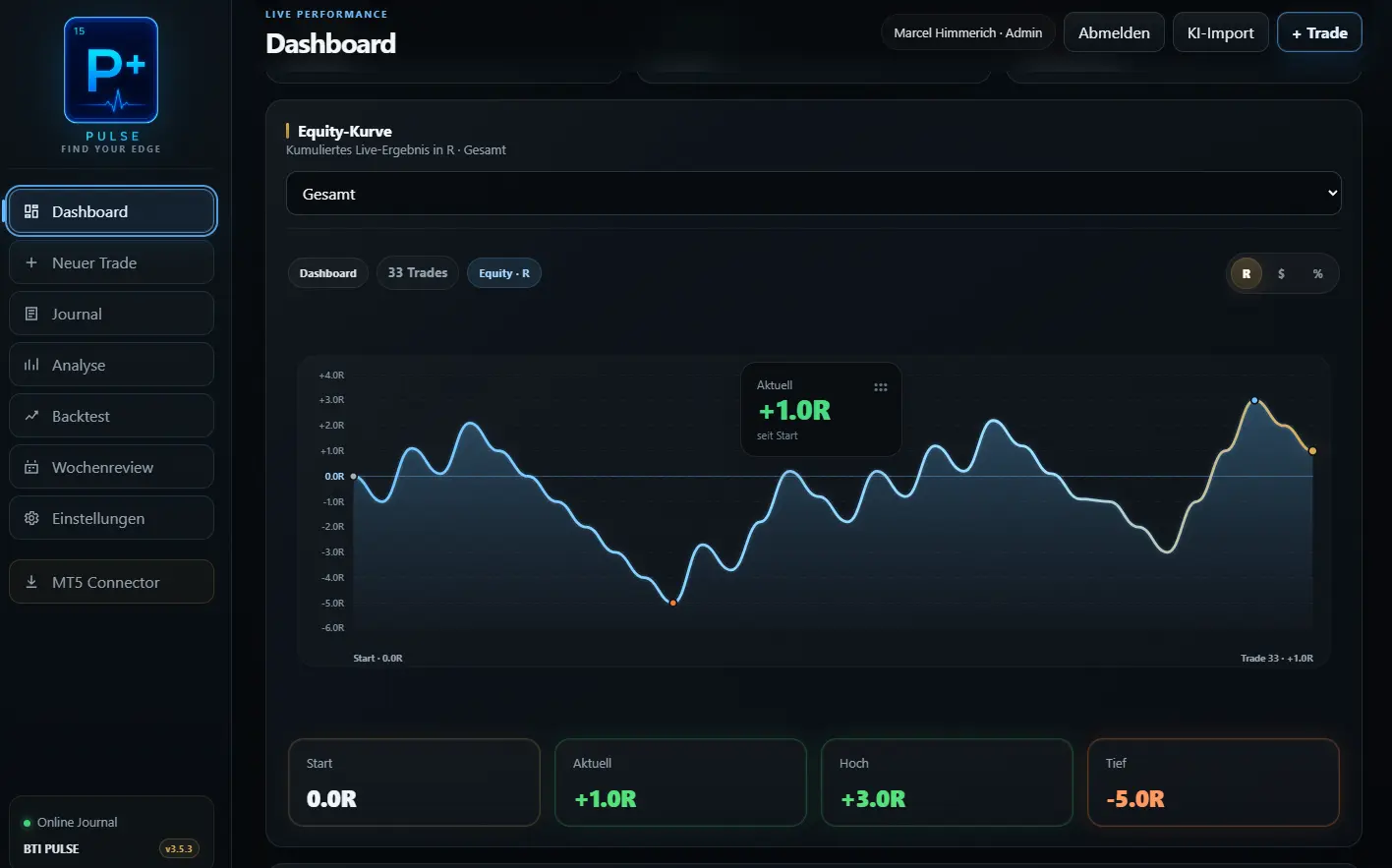
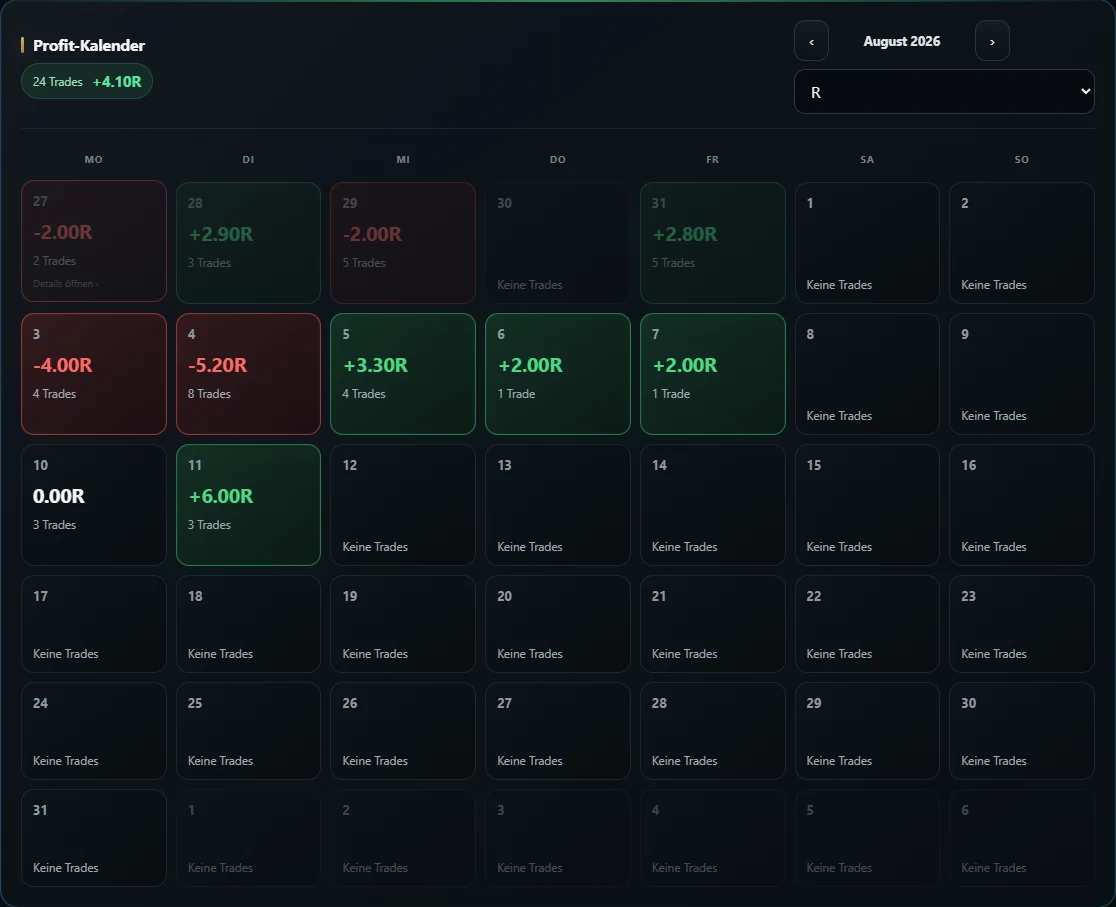
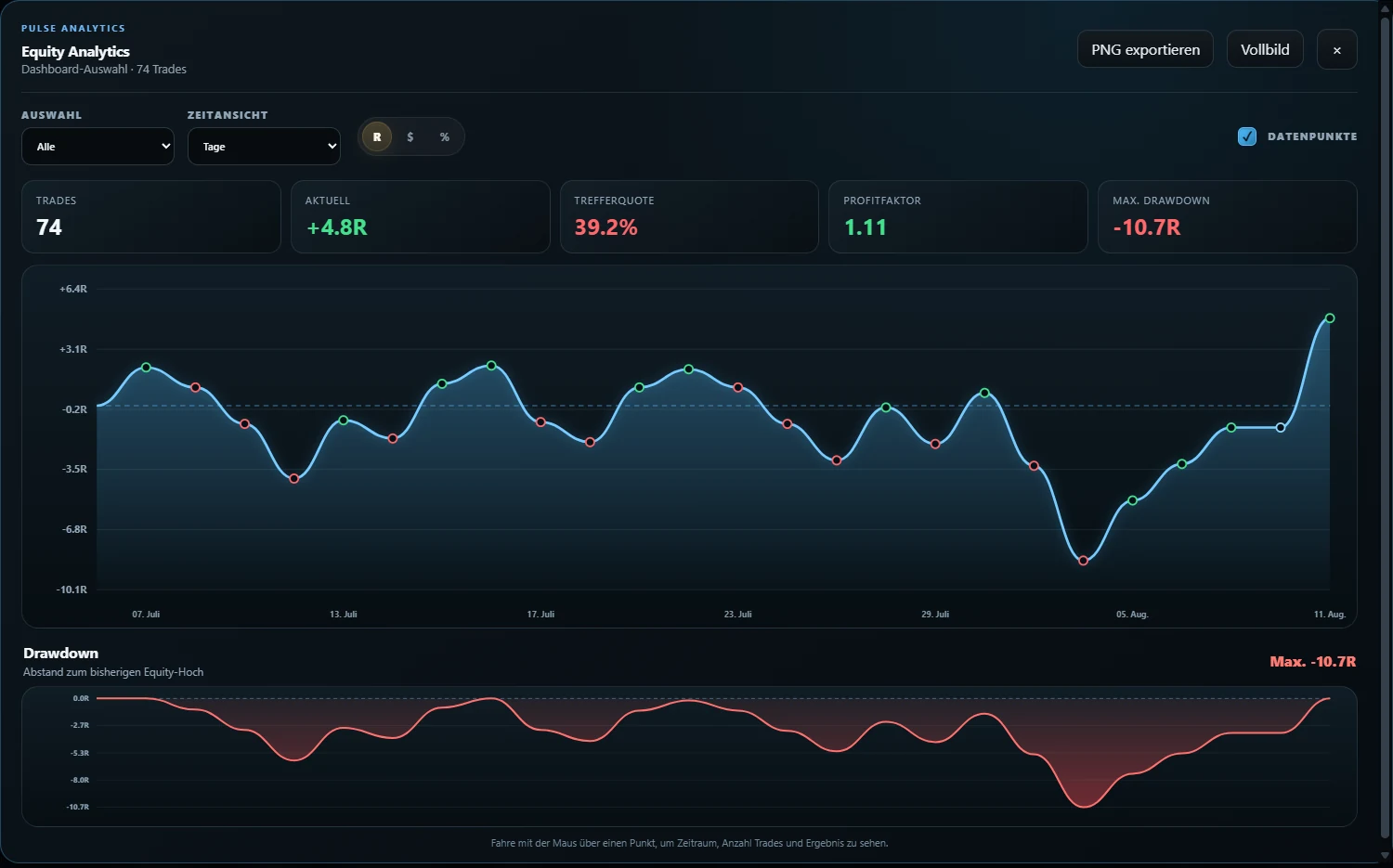
BTI PULSE provides manual entry, supported import workflows, multiple-account organization, calendar and performance views, R/%/money units, live-versus-backtest separation, screenshots, comments and reviews.
BTI CONNECT is the Windows companion for risk-based position sizing, manual MT5 trade control and synchronization with PULSE. CONNECT remains under active development and should be treated as a beta workflow, not an autonomous trading system.
CONNECT · BETAFAQ
Questions about trading journal software
Is trading journal software better than Excel?
It depends on the workflow. Excel offers flexibility and local control if you are willing to maintain data entry, formulas and backups. Dedicated software can reduce capture friction and provide ready-made filters, screenshots and reviews.
What should trading journal software track?
At minimum, it should preserve the execution record and support planned risk, position size, fees, outcome, setup, notes and review context. The exact fields should match your strategy and platform.
Do I need automatic broker synchronization?
No. Automatic sync can help high-volume workflows, but a supported file import or disciplined manual process may be better when it provides clearer correction and data ownership. Verify compatibility before relying on any integration.
Which trading journal metrics matter most?
R-multiple, expectancy, drawdown, profit factor, average win/loss and rule compliance can all be useful. Their definitions and source data matter more than the number of metrics shown.
Can journal software support multiple trading accounts?
Many tools can, but check how balances, account currencies, deposits, withdrawals and cross-account totals are handled. Separate accounts should not silently distort each other's metrics.
How should I test trading journal software?
Use a small set of representative trades, reconcile expected and actual values, correct several fields, apply your normal filters and complete both a daily and weekly review before deciding.
Does trading journal software improve profitability?
No software can guarantee that. A journal can improve documentation and make review more consistent, but results still depend on the trader, strategy, risk and market conditions.
ACCURATE RECORDS · REPEATABLE REVIEW
Choose software that makes the truth easier to inspect.
Start with the capture method, verify the calculations and test the complete review workflow before trusting the dashboard.
Explore PULSE